
Progress Report Templates: Project, Student and Employee
Choose a progress report template for a project, student, employee or funded activity. Match the layout to the person reading it, then describe completed work, supporting observations and the next goal.
- Instant download
- Editable Word & Excel
- Print-ready PDF
- 7-day refund
7 files · PDF, DOCX, XLSX
Progress Report Template Pack
Project, weekly status, employee, student and funder progress reports, a comment bank and an Excel milestone tracker.
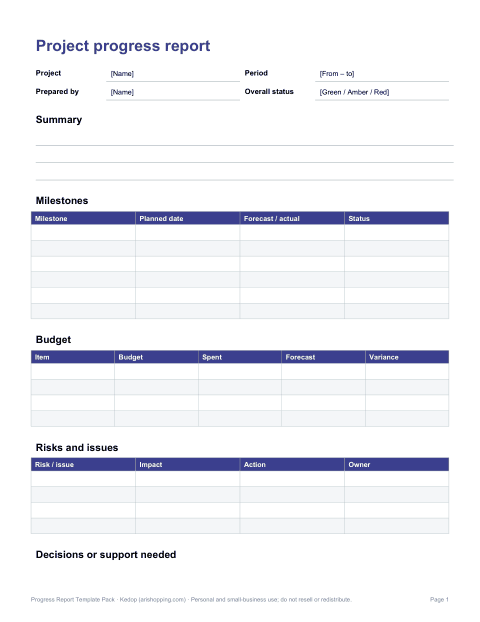
- Project progress report (PDF, DOCX)
- Weekly status update (PDF, DOCX)
- Employee progress review (PDF, DOCX)
- + 4 more
$8.00 USD, one-time 7 files · about $1.14 each
- Instant download
- 7-day refund
- Secure checkout by Stripe
7-day money-back guarantee. Full refund within 7 days of purchase, even after you download.
Free sample: Project Progress Report (PDF, 51 KB)
Progress Report Template Pack
Project, weekly status, employee, student and funder progress reports, a comment bank and an Excel milestone tracker.
- Project progress report (PDF, DOCX)
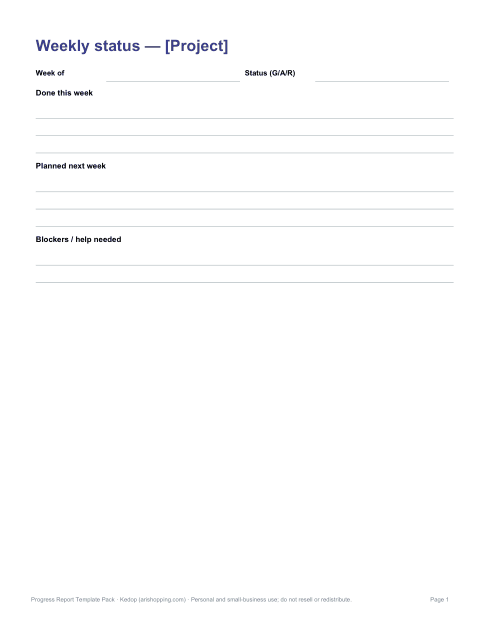
- Weekly status update (PDF, DOCX)
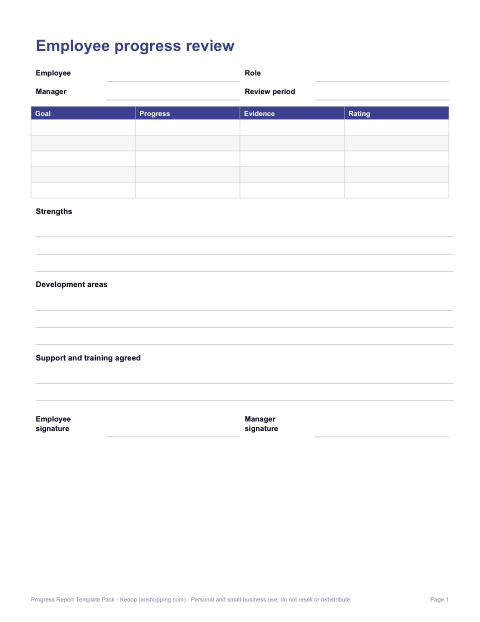
- Employee progress review (PDF, DOCX)
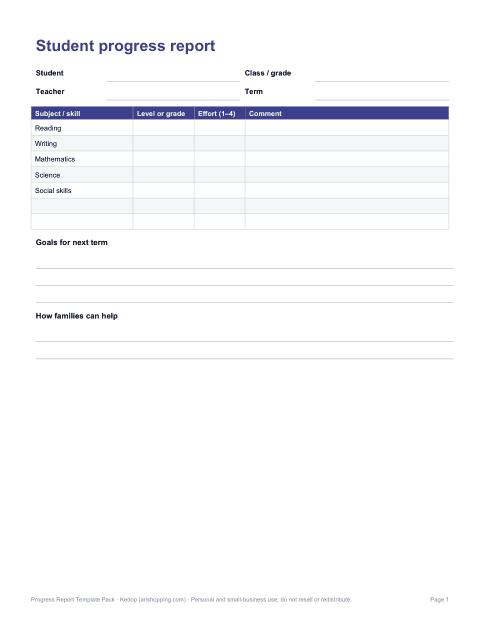
- Student progress report (PDF, DOCX, XLSX)
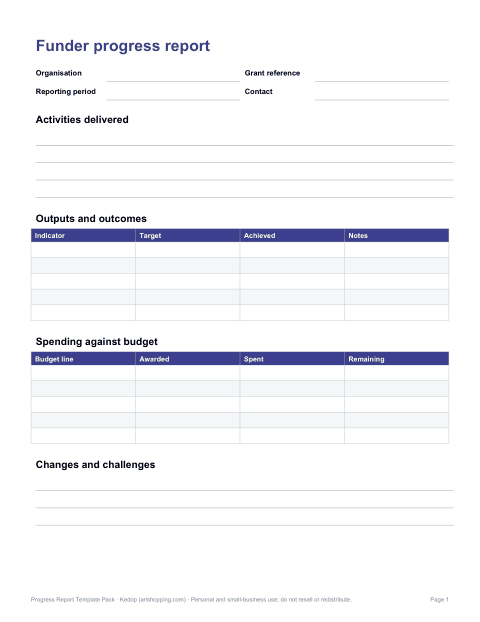
- Grant / funder progress report (PDF, DOCX)
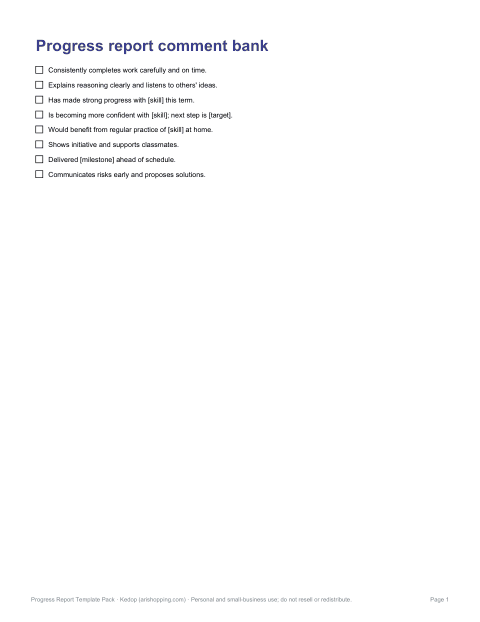
- Comment bank (PDF, DOCX)
- Milestone tracker (Excel)
Formats: PDF, DOCX, XLSX. Instant download after payment (link valid 72 hours, up to 5 downloads). AI-assisted: the templates were drafted with AI help and reviewed and laid out before publishing.
$8.00 USD, one-time 7 files · about $1.14 each
- Instant download
- 7-day refund
- Secure checkout by Stripe
7-day money-back guarantee. Full refund within 7 days of purchase, even after you download.
Free sample: Project Progress Report (PDF, 51 KB)
Full refund within 7 days — see the refund policy and license.
Free printables
Single sheets you can print right now, no sign-up. The full pack adds every sheet in one download plus the editable files.
 Project Progress Report Template2 pages · free PDF
 Printable Weekly Status Update1 page · free PDF
 Printable Employee Progress Review1 page · free PDF
 Student Progress Report Template1 page · free PDF
 Grant Progress Report Template1 page · free PDF
 Progress Report Comment Bank1 page · free PDF
 Printable Milestone Tracker1 page · free PDF
Choose the report audience
| Audience | Existing resource | Useful focus |
|---|---|---|
| Project team | Project progress report | Deliverables and milestones |
| Student and family | Student progress report | Observed work and next goal |
| Employee and manager | Employee progress review | Agreed work and support needed |
| Grant funder | Grant progress report | Activities and evidence against aims |
Write from evidence
- Identify the period and goal being reviewed.
- Describe what was completed and name the record or observation supporting it.
- Explain what remains and any obstacle without inventing results.
- Set a next step with a responsible person and review date.
Fictional student example
Goal: summarise a short passage. Observation: in two practice tasks, the student identified the topic and one supporting detail. Next step: practise selecting a second detail with teacher support. This is an invented writing example, not a claim about a real student or a prescribed assessment standard.
Frequently asked questions
How is a progress report organised?
Start with the goal and reporting period, then describe evidence of progress and the next step.
Can I download an editable Word file for free?
The individual free sheets are PDFs. The paid pack contains the editable formats listed in its contents.
Can I copy a sample achievement into a real report?
Use samples only as writing prompts. Replace them with observations and records that are true for the person or project.